Face-Verified Boarding. Live on the Bus.
Nora FacyPort moves attendance out of the office and onto the vehicle. A single tablet by the boarding door recognises each student as they step on, stamps the record with the time and GPS position, advances the route automatically, and relays a live cabin camera feed to the transport desk in Nora Transit. Parents receive verified attendance and a boarding alert on Nora Connect.
120 m
Auto Route Advance
500
Offline Scans Queued
~50 MB
Data per Month
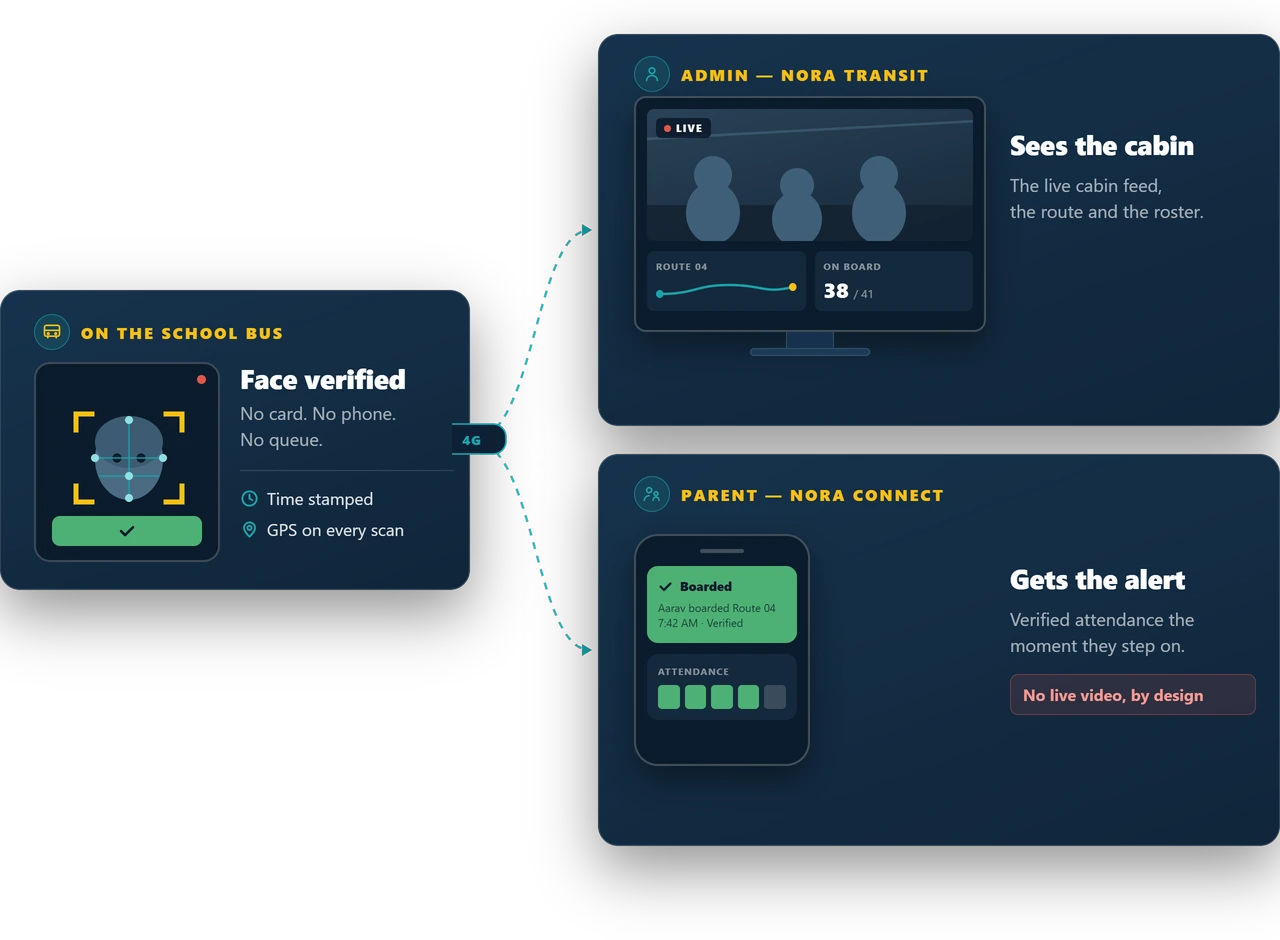
Face-Verified
Boarding at the door
Live Cabin Feed
Inside Nora Transit
Nora FacyPort in two and a half minutes
A tablet at the bus door recognises each student in under a second, with the time and GPS position on every scan. Scan in and scan out, a live cabin view in Nora Transit, and verified alerts for parents in Nora Connect.
The face is the pass. Nothing else to carry.
A tablet sits by the boarding door and a camera watches the cabin. Together they turn every boarding into a verified, time and GPS stamped record — without adding a single step to the morning.
Face-verified boarding
The student steps up to the tablet at the door and is recognised in place — no card, no phone, no queue. The app speaks the name aloud so the crew hears the match.
Anti-spoofing liveness check
The check confirms a real person is standing there rather than a photograph or a screen held up to the camera.
Three-angle enrolment
Each student is scanned from three angles at enrolment, so recognition holds up in real boarding conditions.
One face, one identity
A face already enrolled cannot be registered a second time, even under a different name. Duplicates are rejected at the point of enrolment.
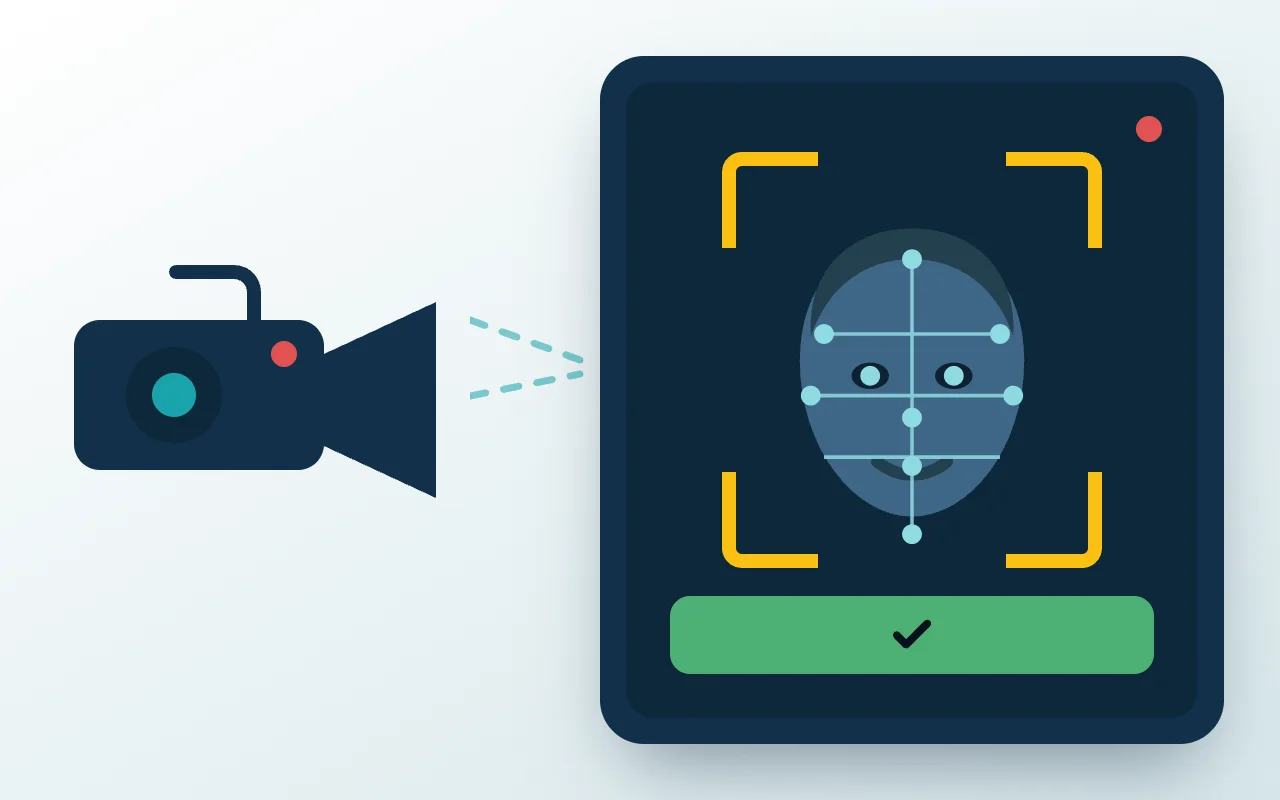
Cabin camera and boarding tablet — one 4G connection between them.
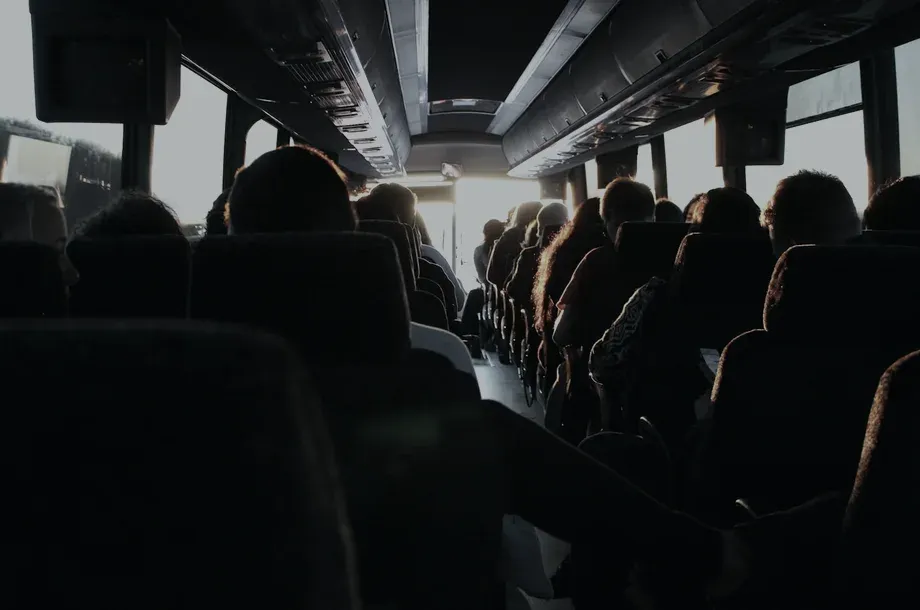 LiveCabin view in Nora Transit
The transport desk can see inside the vehicle.
The in-vehicle camera streams to administrators in Nora Transit, who can open the feed and see the bus interior in real time — next to the route, the roster and every verified boarding.
Streams to the transport desk
An administrator opens the vehicle in Nora Transit and sees the cabin in real time, alongside the route and the verified roster.
Attendance is what reaches the family
Nora Connect delivers verified attendance and a boarding alert the moment the child steps on. No live video, by design.
Streaming is the only online feature
Recognition and GPS run at roughly 50 MB a month; streaming is about 15 GB a month at two hours a day. We recommend a 20 GB monthly plan per vehicle.
Enrol once. Then the vehicle takes attendance by itself.
Enrol the Student
The student is matched to their Nora record, then scanned from three angles so recognition holds up in real boarding conditions.
Reconcile the Roster
The enrolled count is checked against the students assigned to the vehicle’s boarding points in Nora Transit before the bus goes into service.
Board and Verify
On the route the app recognises each student, speaks the name aloud and records the scan with time, GPS and match confidence.
Sync to Nora
Attendance flows into the student’s Nora record and reaches parents through Nora Connect — automatically, with no daily action from the crew.
Built for the Realities of a School Route

Face-Verified Boarding
The student stands in front of the tablet and the app does the rest — no card, no phone, no queue at the door. An anti-spoofing check confirms a real person rather than a photo or a screen.

Time & GPS Stamped
Every verification is stamped with the moment and the GPS position it happened at, so a boarding record answers "where" as well as "when".

Live Cabin Camera
The in-vehicle camera streams to administrators in Nora Transit, who can open the feed and see the bus interior in real time. Parents receive verified attendance and boarding alerts — not the feed.

Automatic Route Progress
The route dashboard advances by itself as the vehicle reaches each boarding point, showing which students are verified at the current stop.

Works Without a Signal
Patchy coverage on a route is expected. Verification, attendance and the route dashboard all run locally and sync automatically once the connection returns.

One Face, One Identity
A face already enrolled cannot be registered a second time, even under a different name. Duplicate identities are rejected at the point of enrolment.
From the Boarding Door to the People Who Need to Know
Cabin camera (live streaming), tablet at the boarding door, GPS on every scan
Attendance and the live cabin stream share one connection
What goes into each vehicle
A red dot never means attendance is being lost.
Attendance sent in real time and the camera stream is active.
Internet present but the server is unreachable — scans queue and send once it returns.
No signal. Verification still works; data uploads when coverage returns.
Live video is the only feature that needs an active connection. The attendance side is unaffected.
Safer Transport, Verified
One installation, serving the family at home, the transport desk and the school office.
For Parents
Verified attendance and a boarding alert the moment their child steps on — no live video, by design.
For the Transport Desk
Who is on which vehicle, where that vehicle is, and what the cabin looks like — in one screen.
For the School
A defensible transport attendance record, tied directly to the student’s Nora file.
No Daily Workload
The tablet and camera power up with the vehicle and pair themselves. The driver and attendant do nothing.
No Proxy Boarding
Liveness detection and one-face-one-identity enrolment make substituted or duplicated identities impossible.
Commissioned, Not Shipped
Every vehicle is installed, enrolled and tested end to end by an Edship engineer before handover.
Put FacyPort on your fleet
We commission every vehicle end to end — install, enrol and test — before handing it over to your transport team.