


A school website that looks the part. Live in an hour.
Four ready themes, one content model. Your office updates circulars, results and photos from a phone, and switching the look never touches a word of content.
- CBSE Mandatory Disclosure
- TC verification
- Circulars by year
- Admission enquiries
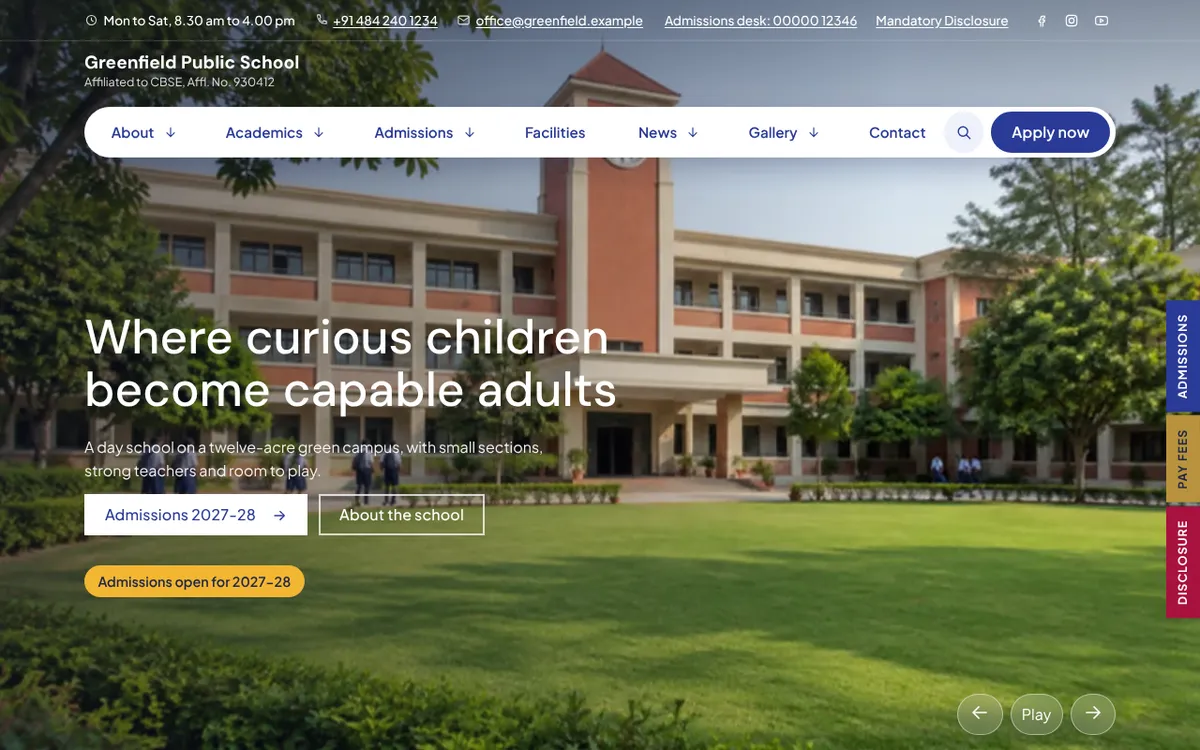
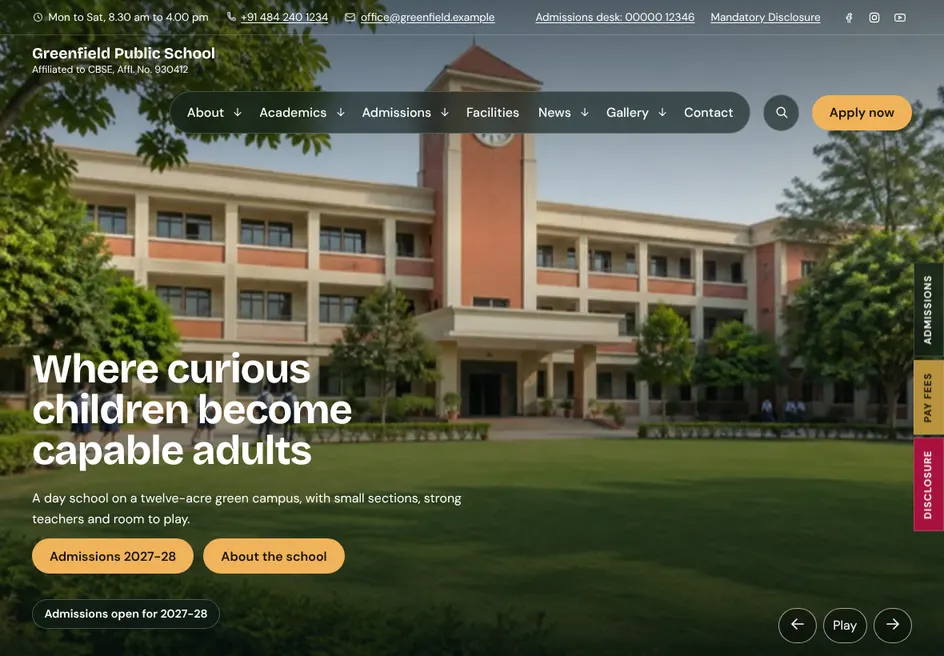
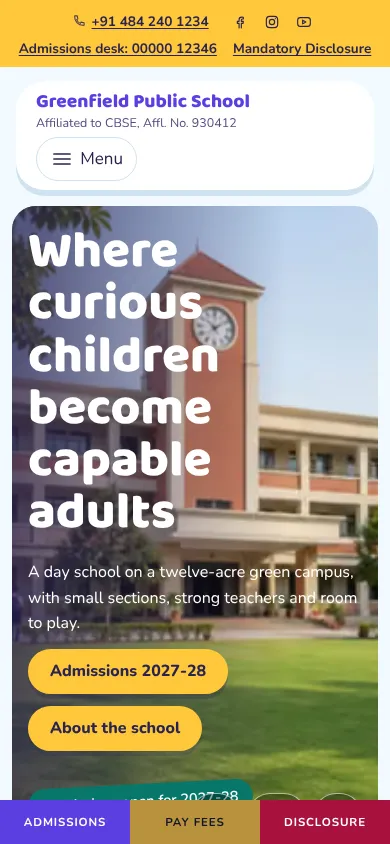
Four looks. One school's content.
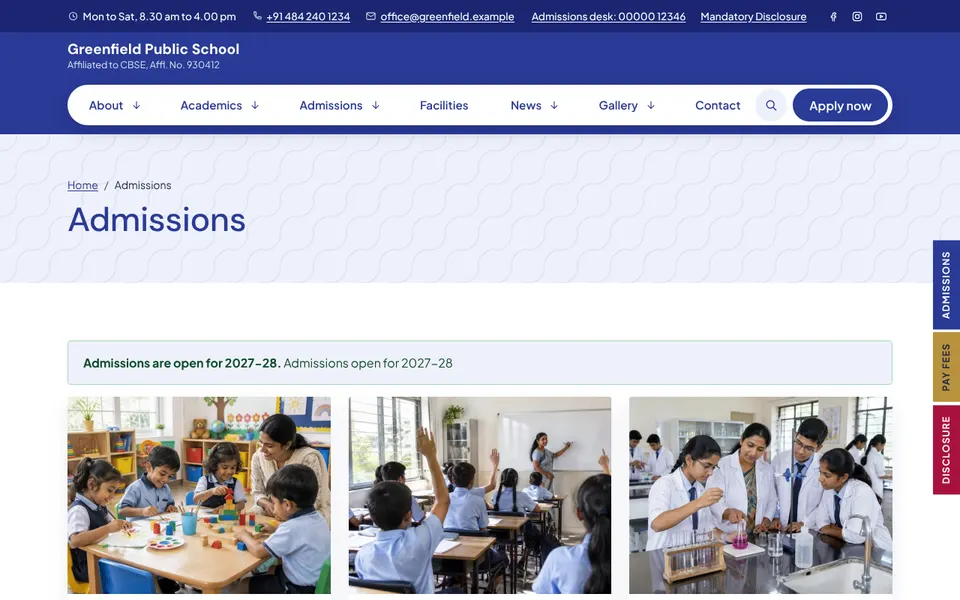
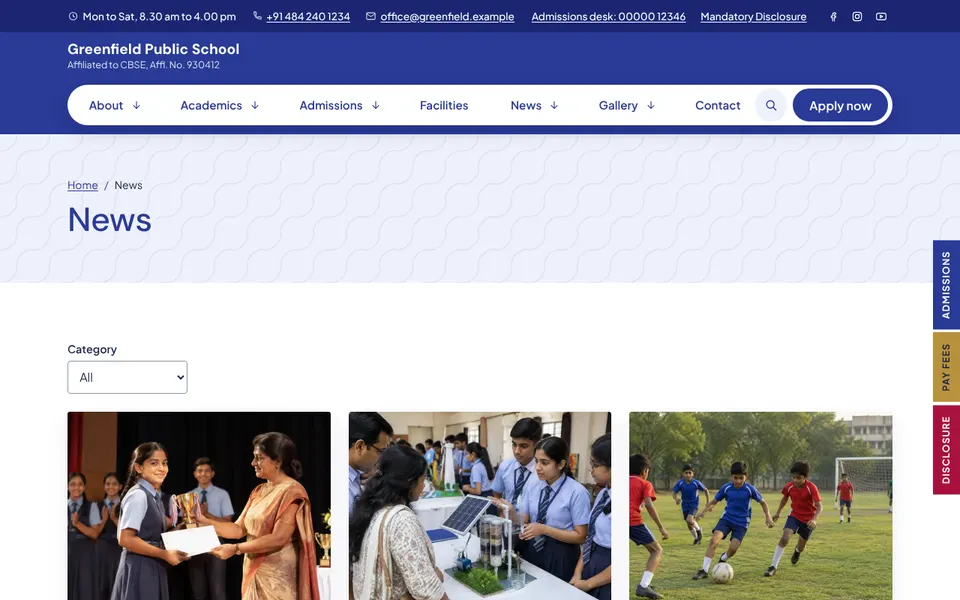
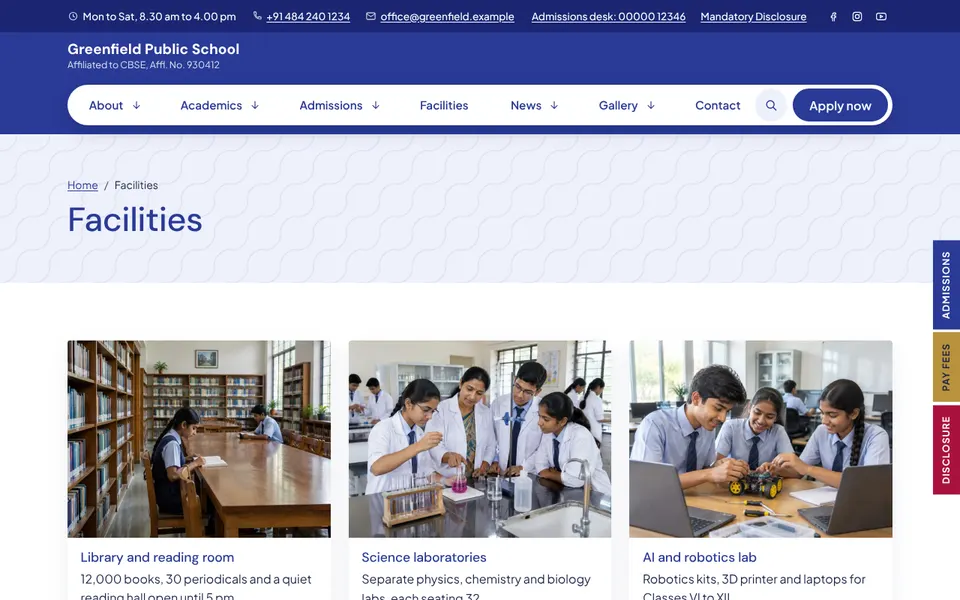
Every screen below is the same demo school, Greenfield Public School, with the same pages and photos. Only the theme changes.
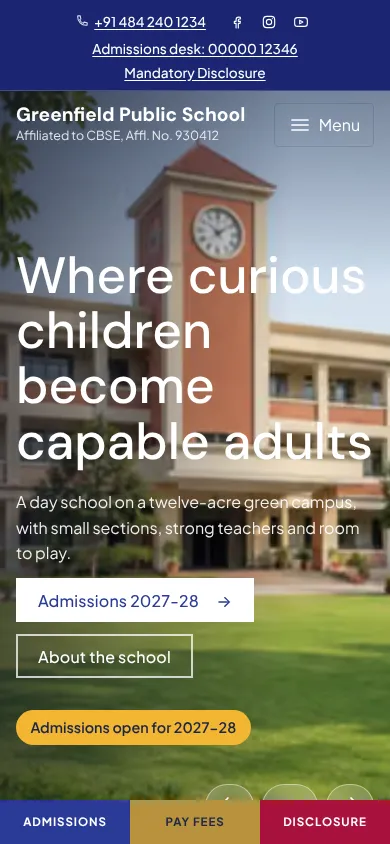
Indigo
City CBSE and ICSE day schools
Confident and calm. Deep indigo and white with lavender panels, a floating menu bar over a full-width hero, and small labels above each section.
Section labels and headings rise in, photo panels slide in from the side, and stat tiles count up.
Colours, fonts, corner style and header style can all be tuned to your school's brand from the admin panel.
Change the site in under a minute
Eighteen seconds, start to finish: the office signs in, edits the homepage headline with live preview on, saves, and the website shows it.
- 1
Sign in
From any browser, on a laptop or a phone. The sign-in page carries your school's name and photo.
- 2
Open what to change
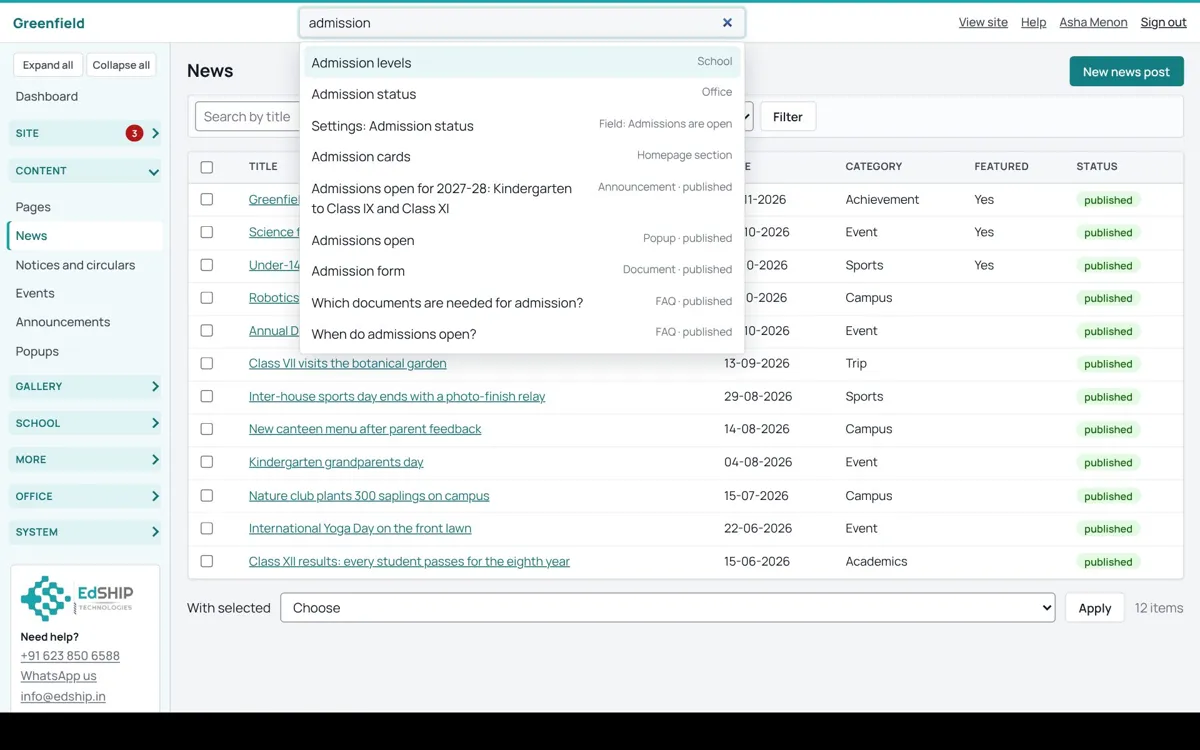
Every homepage section, page, notice and photo sits in a folding menu, or one Ctrl+K search away.
- 3
Turn on live preview
The real public page opens beside the form, at desktop, tablet or phone size.
- 4
Type
The preview updates as you type. Nothing is public until you save.
- 5
Save
One click or Ctrl+S. Every save keeps a revision you can go back to.
- 6
Check the website
The change is live for parents straight away.
Staff never get stuck
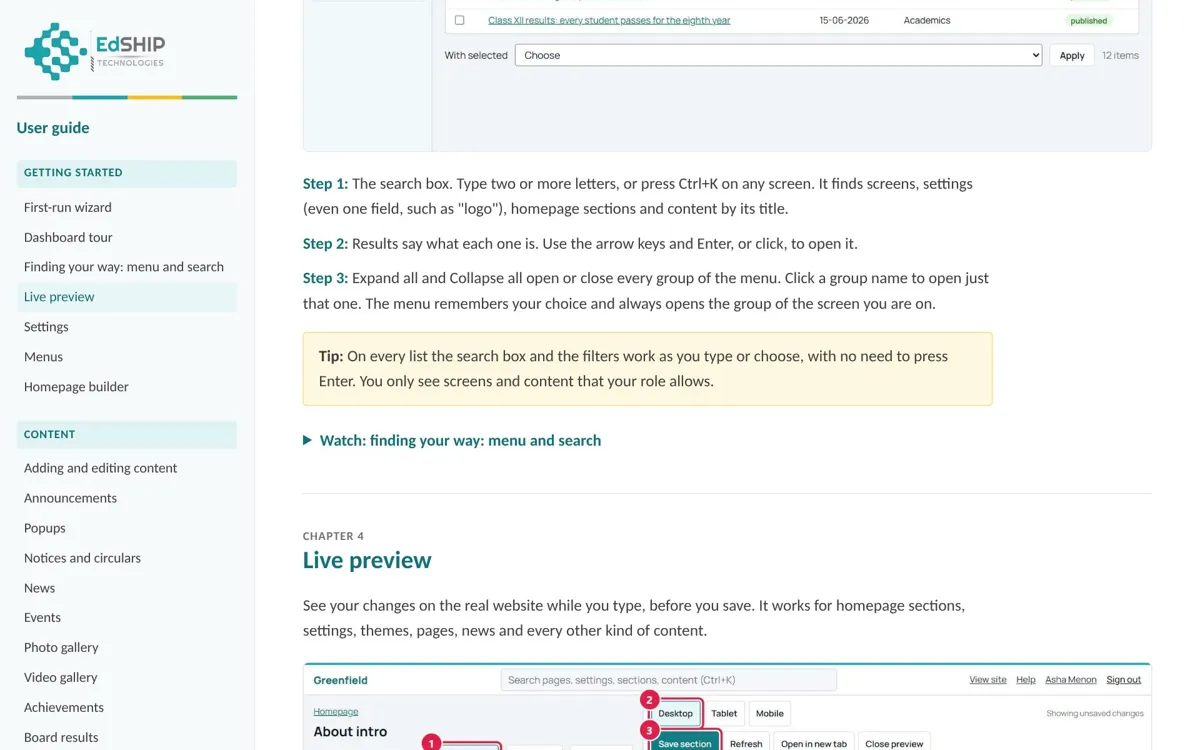
A full user guide behind the Help link
42 searchable chapters written from this same demo school, with numbered screenshots, 18 short clips and a PDF to print.
Search finds any screen or setting
Press Ctrl+K and type: screens, settings, even a single field such as "logo", plus every notice and page by title.
Hints beside every field
What to type and the best photo size, so staff get it right the first time.
Edship support on every screen
Phone, WhatsApp and email in the corner of the admin and on the sign-in page.
From a fresh server to a live school site
Every site starts as a complete school, with menus, pages, circulars, results, events and a full photo gallery, so nothing ever launches empty.
Pick a theme
Indigo, Heritage, Bright or Campus. Every theme renders the same content, so you can change your mind later.
Run the setup wizard
School name, logo, colours, contact details and affiliation number. Contrast is checked as you choose colours.
Replace the demo school
The site arrives full of sample content. Edit it in place, then remove what is left in one click.
Go live
Your own domain, on our cloud or your server. Docker or plain Node, with daily backups switched on.
Built for how Indian schools actually work
CBSE Mandatory Disclosure
The full disclosure in the CBSE table layout, a completeness meter while you fill it, and a PDF download for parents.
Role-based access, full admin control
Owner, Admin, Editor, Contributor and module managers each see only what their role allows. From one admin panel you control every page, menu, colour, popup and user, with drafts, a review step and 20 revisions per item.
Transfer certificate check
Upload TCs one by one or as a zip. Anyone can verify a certificate from the public site, with lookups rate-limited.
Circulars by academic year
Notices and circulars filed by year, with PDF attachments compressed automatically before they are published.
Admissions and forms inbox
Admission enquiry, contact, feedback and grievance forms land in one inbox, with CSV export and email alerts.
Homepage builder
26 section types: hero slider, announcement marquee, toppers, events, gallery, testimonials and more. Drag to reorder, schedule, switch off.
Page builder
20 block types for any other page, from text and tables to galleries, downloads, maps and embeds.
Photos straight from a phone
Bulk upload of 100+ photos. Each one is resized, converted to WebP and AVIF, and stripped of GPS location data.
Popups and side tabs
Admission popups with frequency rules, a scrolling announcement strip, sticky side tabs and header buttons.
Found on Google
Sitemap, clean URLs, Open Graph cards and school, event and article schema built in. Redirects keep old links working.
Backups and restore
Daily backups and a one-click download. Restore the whole site from a single file.
Secure by default
Strong password hashing, login lockout, optional two-step login, sanitised content and files checked by what they contain.
Opens fast on a parent's phone
Measured with Google Lighthouse on a mid-range phone over slow 4G: every theme scores 95 to 97 for performance.
Your website, wired to your ERP
The site stays fast and simple, and the heavy lifting stays in NORA. Header buttons and popups link straight to the right place.
Explore NORA ERPApply Online
Point the admission button straight at NORA ERP admissions.
Pay Fees
Send parents to online fee payment in NORA, from the header or a popup.
Parent App
Promote NORA Connect with store links on every page.
Questions schools ask
Can we change the theme later?+
Yes. Switching the theme changes the look only. Every page, photo and circular stays exactly as it is.
Who updates the website?+
Your office staff, from the admin panel, often from a phone. No developer is needed for day-to-day changes.
Do we need NORA ERP to use it?+
No. The website works on its own. If you use NORA, its buttons can link straight to admissions, fees and the parent app.
Can the site be in Malayalam, Hindi or Tamil?+
Yes. Every text field accepts Indian scripts, and the fonts render them correctly.
Start your school website with us
Talk to us and we will set up the site with your school's name, logo and colours, and take it live with you.